
Shoppers see it on themselves. You create product images.
Virtual try-on and product images with models, in one ikas app. With the “Virtual Try-On” button on your product page, shoppers upload a photo, see how the product looks on them in seconds and add the size they like to the cart.
- No code, no theme edits
- The button places itself next to “Add to cart”
- Works on mobile and desktop
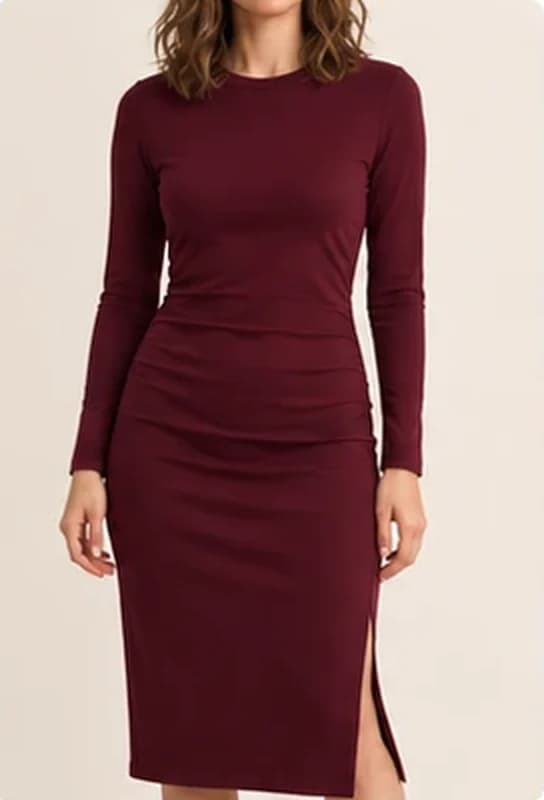
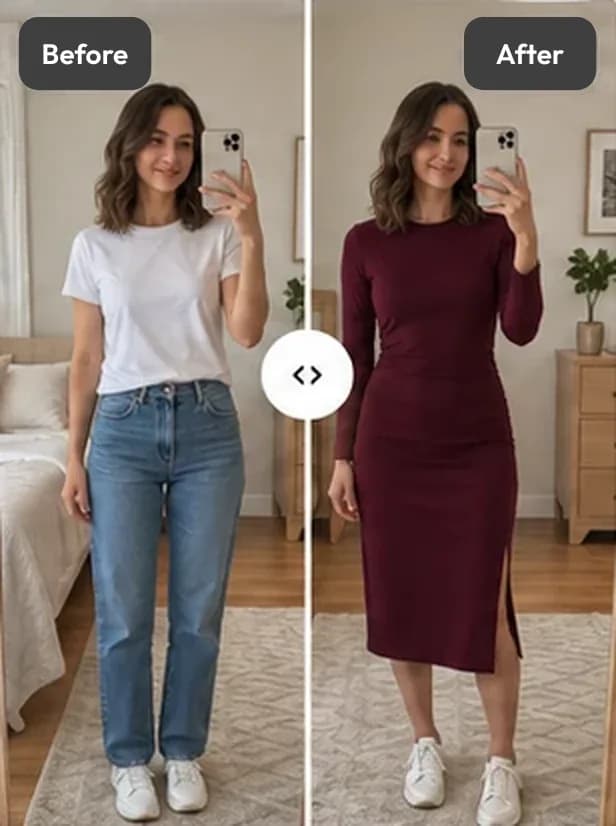
This is an AI preview. Fit and size are illustrative only.
Illustrative images · sample store
- Free plan
- Free setup help
- Shopper photos are not kept
- On ikas, for stores in Türkiye
From product page to mirror, in four steps.
No app to download, no account. The whole experience stays on your product page.
- 1
Taps “Virtual Try-On”
The button’s text, style and colours are yours. You decide which categories and products it appears on.
- 2
Uploads a photo of themselves
Straight from the phone. The face doesn’t need to show; the area being tried on just needs to be in the frame.
- 3
Sees the product on themselves
Before and after side by side, compared with a slider. A fit or pose hint can be added if they like.
- 4
Adds it to the cart from the result
Variant choice and “Add to cart” right below the result. Downloading and sharing take one tap.
What every try-on does for sales, in numbers.
Revenue, orders and email sign-ups attributed to Aynada on one screen, with daily trends.
- Attributed revenue and orders
- Performance trend compared with the previous period
- Returns and cancellations are not deducted from revenue but shown separately
AnalyticsSample data
See Aynada’s impact on your store.
Attributed revenue
€9,620.00
130 orders • €74.00 avg. order value
€4.20 per visualization
Visualizations+42%
2,293
Last 30 days
1,207 unique shoppers · ~1.9 visualizations each
Leads
457
From visualizer sessions
Performance trend
Pick a metric to see it plotted over the selected date range
Which product draws interest, and which one sells?
Follow the funnel from try-on to email sign-up to order. See what works in your catalog.
- Try-on → email → order funnel
- Visualization ranking by product
- Busiest day and email rate
Attributed activitySample data
Event counts over the same date range; not one group of shoppers’ conversion rate.
Visualizer users
1,207
Unique shoppers who used the widget
Leads
457
Captured per product and session
Orders
130
Matched by email or an anonymous cart
Email capture rate
19.9%
Visualizations that resulted in a captured email
Busiest day
Sunday
Most visualized products
Last 30 days
- 1
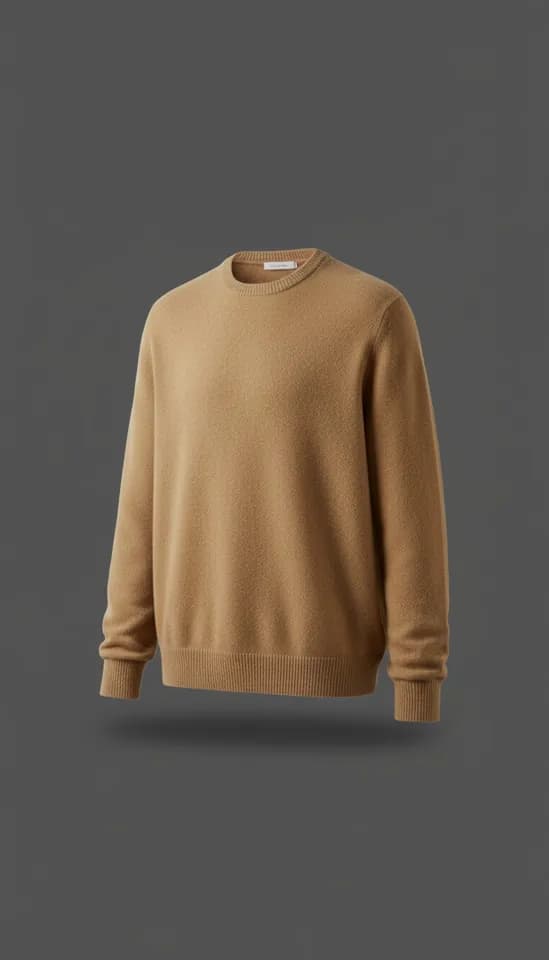 Merino wool crewneck sweater412
- 2
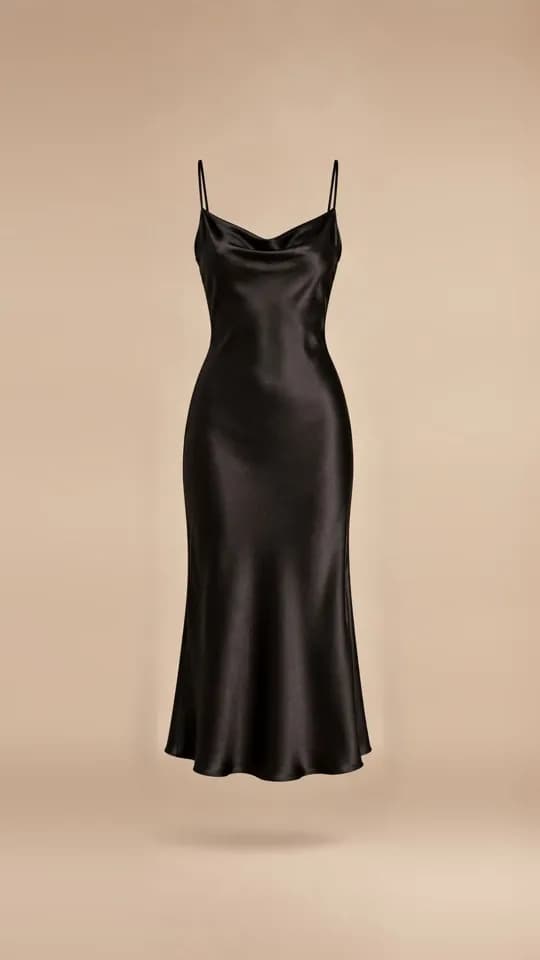 Black Satin Slip Dress356
- 3
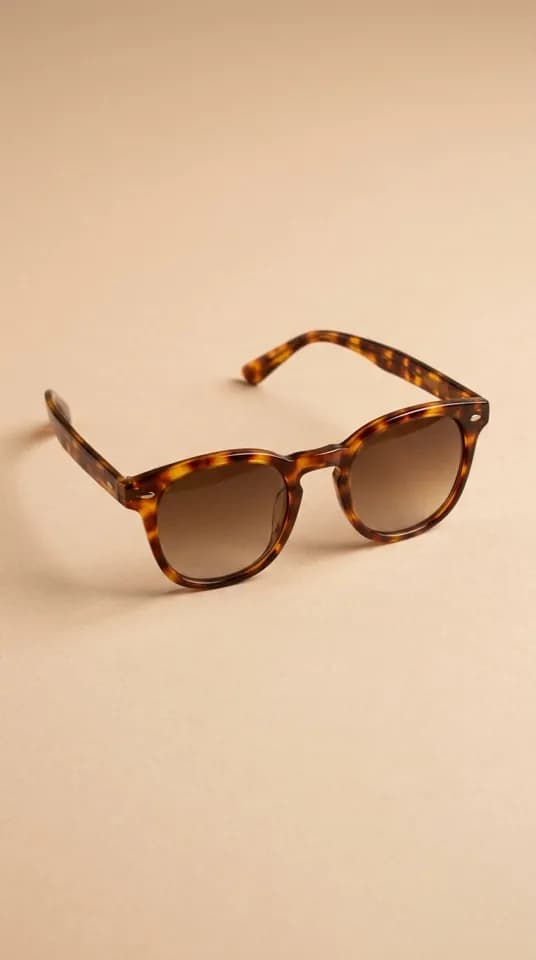 Tortoiseshell Acetate Sunglasses298
- 4
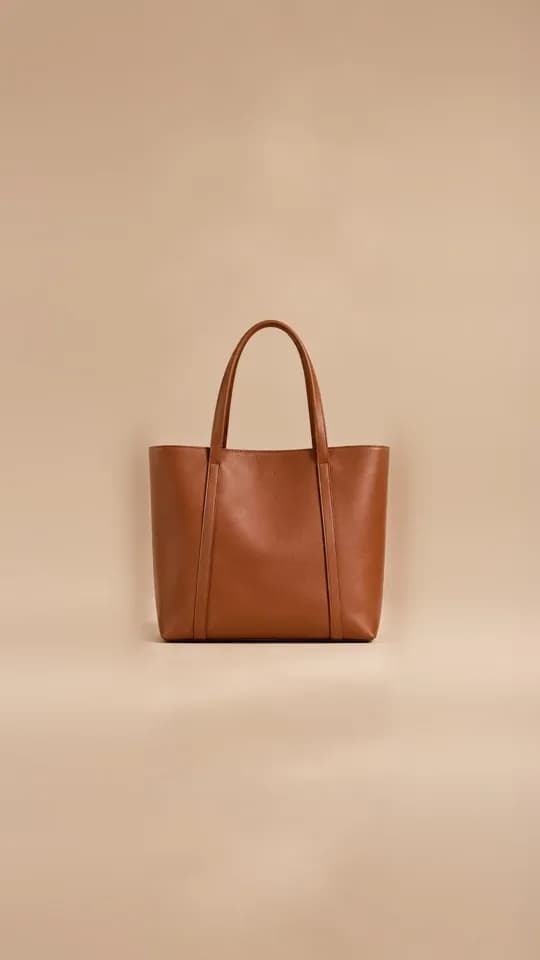 Structured Leather Tote241
Everyone who tries something on is a new lead.
Ask for an email address after the day’s free try-ons. See who tried on which product and who placed an order; marketing consent is asked with a separate, unticked box.
- Email capture with marketing consent
- Who ordered after a visualization
- Export every record in the filter as CSV
CustomersSample data
Shoppers who interacted with the widget on your store.
Estimated unique shoppers
1,207 +38%
Last 30 days
371 of 1,207 shoppers identified by email (31%)
Leads collected
457 +96
Emails captured
Orders after visualization
130
Ordered after using Aynada · €9,620
Customer activity
Recent shopper activity from the Aynada widget
| Customer | Product visualized | When | Status | Marketing consent |
|---|---|---|---|---|
| el•••@gmail.com | Merino wool crewneck sweater | 40 minutes ago | Ordered | Yes |
| ay•••@hotmail.com | Black Satin Slip Dress | 3 hours ago | Lead captured | No |
| me•••@icloud.com | Tortoiseshell Acetate Sunglasses | 7 hours ago | Lead captured | Yes |
| se•••@gmail.com | Structured Leather Tote | 12 hours ago | Ordered | No |
From product photo to lifestyle shoot.
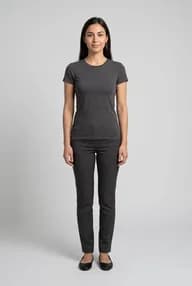
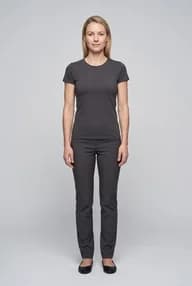
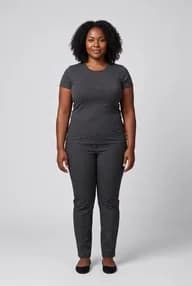
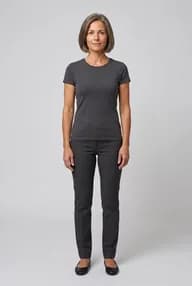
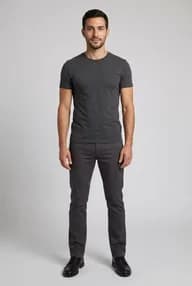
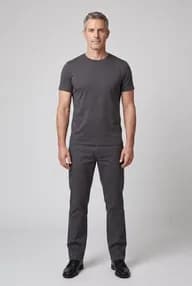
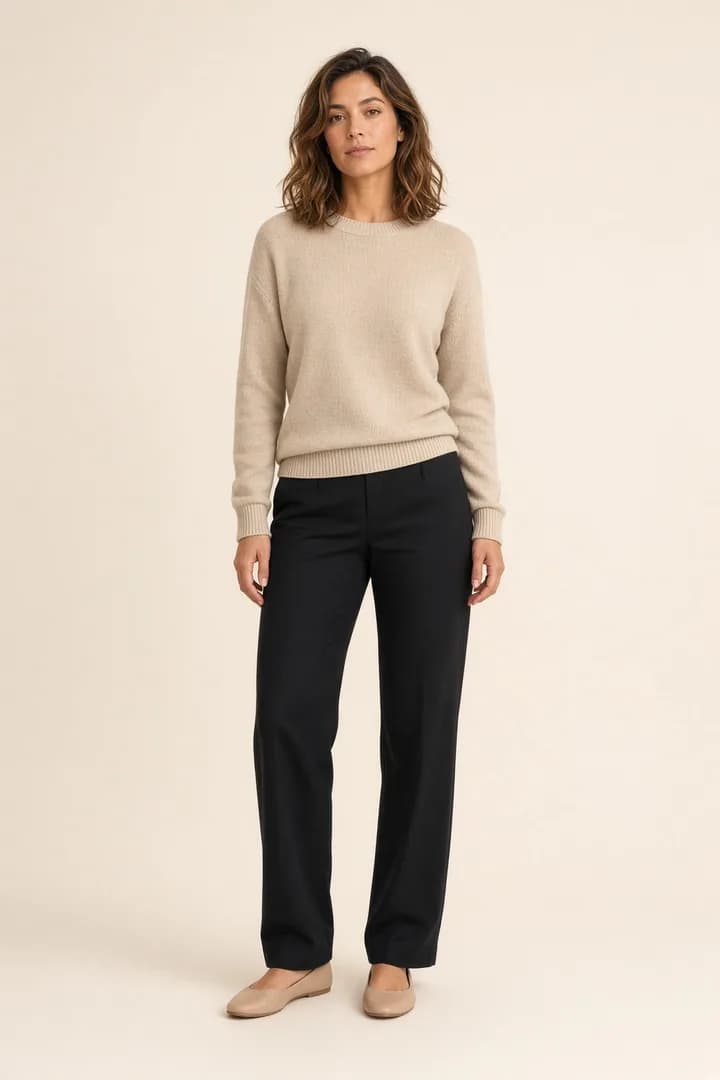
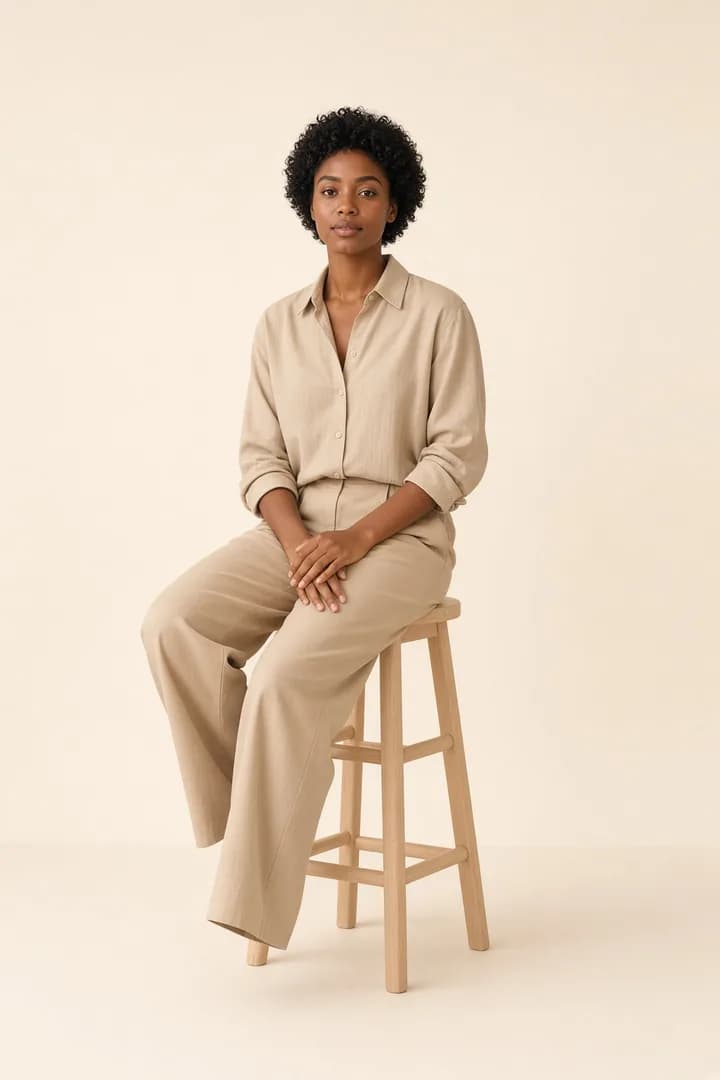
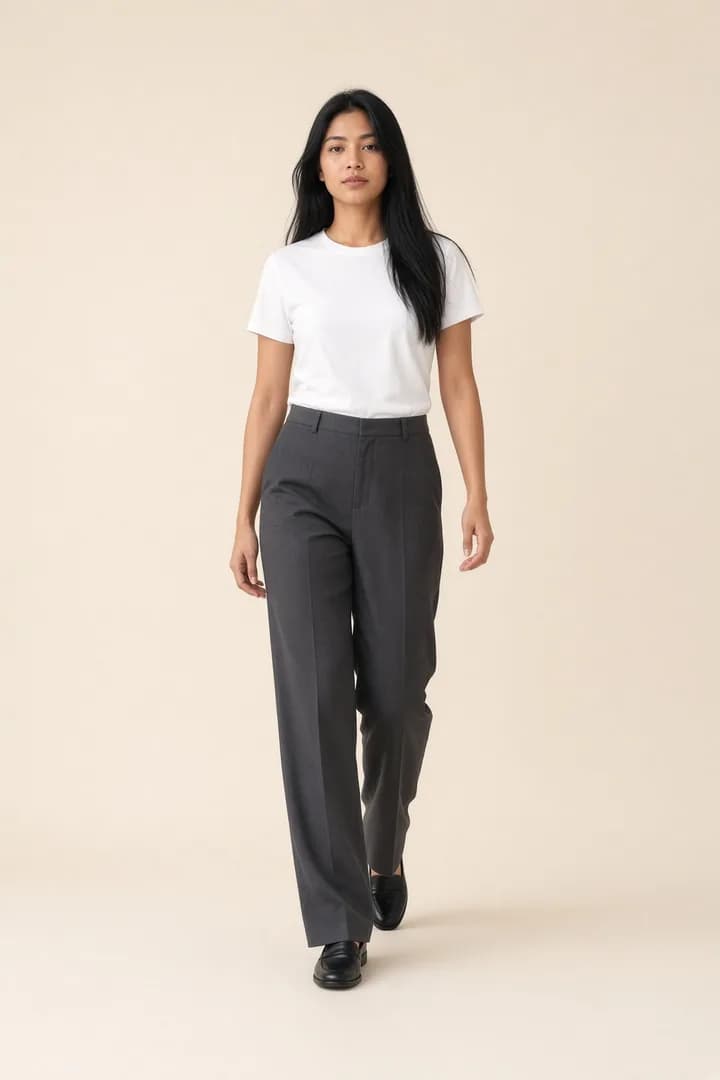
Without booking a shoot, show your product on ready-made models in different poses and scenes. Download the result and use it on your product page and in your campaigns.
- 6 ready-made models; you can also add or generate your own
- Standing, walking and sitting poses
- Street, café, home and studio scenes
Ready-made models
Live in minutes. No code.
Pick the button’s look to match your brand and see it in the live preview. You decide which categories and products it appears on. If you get stuck, we set it up with you, free of charge.
- 7 ready-made button styles and custom colours
- Automatic placement; choose the spot yourself if you prefer
- On/off per category and product
- Free setup help
Visibility and text
The button shoppers see on the product page.
Show the button in the store
It appears on the products switched on in Products.
Button text 14/80
Virtual Try-On
A short, action-led text works best: “Virtual Try-On”, “Try it on”.
Button look
Pick a ready-made style or set your own. The preview updates instantly.
Ready-made styles
Aynada
Classic black
Blue
Ocean
Forest
Graphite
Outline
Style
Icon
Size
Live preview
Includes unsaved changes. Font and exact position depend on your theme.
Your shopper’s photo, only for that one try-on.
Photos are not kept
The shopper’s photo is deleted as soon as the image is generated, and the result once it reaches the shopper’s browser.
No AI training
Photos and results are never used to train any AI model.
Only numbers in the panel
Nobody can see the shopper’s photo or result, you included. In the panel you see which product was tried on how often.
Email only with consent
Marketing consent is asked with a separate box that is not pre-ticked, and can be withdrawn at any time.
Start free, upgrade as you grow.
Plans are billed in euros (€); the panel also shows the approximate lira amount at the current rate.
Free
Freeno card needed
20 visualizations a month
When the quota runs out, it continues next period
- Customizable storefront app
- 6 ready-made models; add or generate your own
- Lead capture and customer list
- Basic analytics dashboard
- Aynada watermark on results
Starter
€19.99/ month
100 visualizations a month
After the quota €0.25 per image · at most €50.00 a month
14-day free trial
- Everything in Free
- Aynada watermark on results
- Set your own spending cap for extra usage
Growth
€54.99/ month
300 visualizations a month
After the quota €0.22 per image · at most €200.00 a month
- Everything in Starter
- Clean result images without a watermark
- Advanced insights and impact analysis
- Priority support
Pro
€159.99/ month
1,000 visualizations a month
After the quota €0.18 per image · at most €500.00 a month
- Everything in Growth
- Full white label – upload your own logo
- Custom logo and result watermark
- Priority visualization queue
Frequently asked questions
Which products does Aynada work with?
Clothing first: tops, bottoms, dresses, jumpsuits and outerwear, which Aynada was designed for. It also tries on shoes and accessories: glasses and sunglasses, hats, bags, jewellery, watches, belts and scarves. With small items such as rings, earrings and bracelets the result depends more on the photo: they need a close, sharp shot of the hand or face. Underwear and lingerie are not offered. You choose in the panel which categories and products the button appears on, and you can switch individual products on and off.
Does setup need code or theme edits?
No. Once installed from ikas, the button places itself next to “Add to cart” on the product page. You choose its look in the panel and, if you like, its position.
Can I get help with setup?
Yes, setup help is free. Open a chat from the Support page of the Aynada panel or write to [email protected]; we set up the button’s placement and look together with you.
What happens to the shopper’s photo?
The photo is processed only to create the requested try-on image and is not kept: it is deleted as soon as the image is generated, and the result is deleted once it reaches the shopper’s browser. Shoppers see their own try-ons until they close the tab. None of it is used to train AI models or shown in the store’s panel.
Does the shopper’s face need to show?
No. A photo showing the area being tried on is enough. The app checks in the shopper’s browser whether there is a person in the photo; if it isn’t sure, it says so, and the shopper can still continue.
Does the result guarantee size or fit?
No. The result is an AI preview; it gives an idea of how the product looks on the shopper, but fit and size are illustrative only. The shopper sees this note on the result screen too.
How does email capture work?
After the day’s first free try-ons the shopper is asked for an email address; giving it unlocks the rest of that day’s try-ons. Marketing consent is asked with a separate box. You see the records on the Customers page and can download them as CSV.
What does “attributed order” mean?
Orders that followed a try-on and are linked to it by email or an anonymous cart match. They are not proof of extra sales the app brought; returned and cancelled orders are not deducted from revenue, and their amount and number are shown separately in the panel.
What happens when my monthly quota runs out?
On the free plan, try-ons continue in the next period. On paid plans each image after the quota is charged separately, up to a monthly cap. You can set the spending limit in the panel or turn extra usage off.
What is Studio?
Studio turns your product photo into lifestyle images with ready-made models or your own; you choose the pose and scene. It is in beta, and each image uses one credit.
How do I change my plan?
Any time, on the Billing page of the Aynada panel. Payments are taken through Stripe.
Make your catalog try-on ready today.
Start on the free plan: 20 visualizations a month, no card needed.
The panel images use a sample store’s data. Model and try-on images are illustrative images created with AI.