
Virtual try-on for hats and scarves
With Aynada, a shopper sees a hat or a scarf on a photo of themselves before they buy. Below are real results with a wool fedora and a cashmere scarf from our demo store, one weaker result that shows why the photo matters, and what to know before you switch it on.
Install on ikasReal results
The people in these sample photos are AI-generated models, not real shoppers. The try-on results are Aynada's real output, made with Aynada's Shopify app on our own demo store and not retouched; they are only scaled down for this page.

Shopper's photo 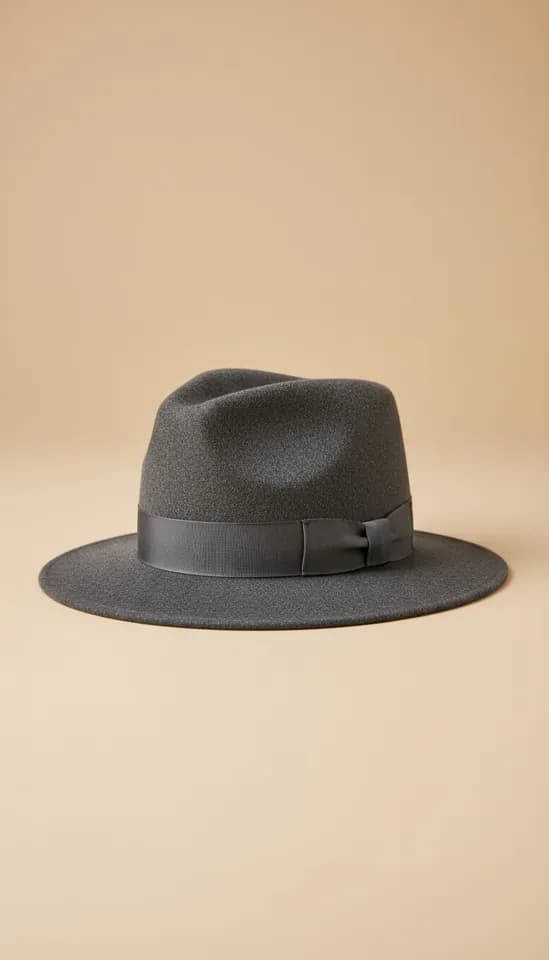
Product 
Aynada's result The Wool Fedora Hat on a front-facing photo of a man’s face and head.

Shopper's photo 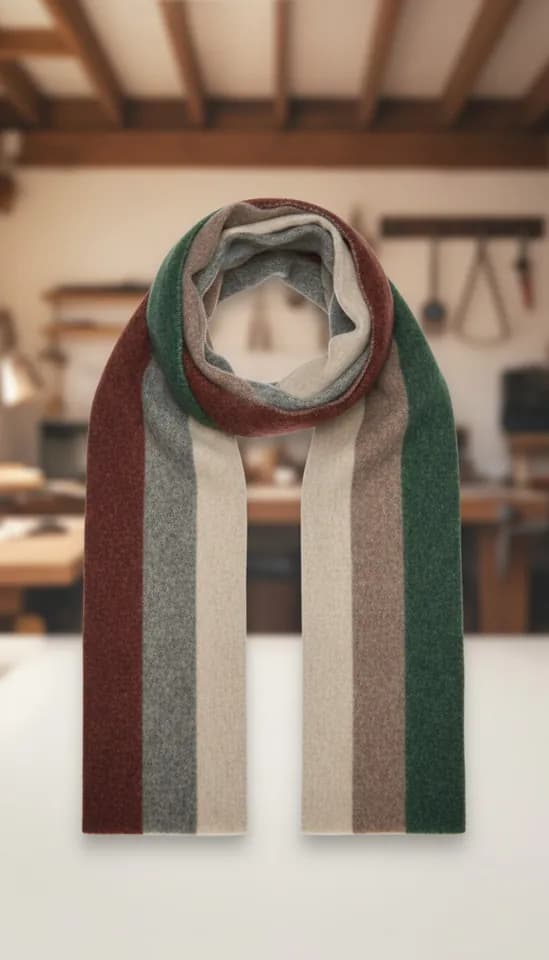
Product 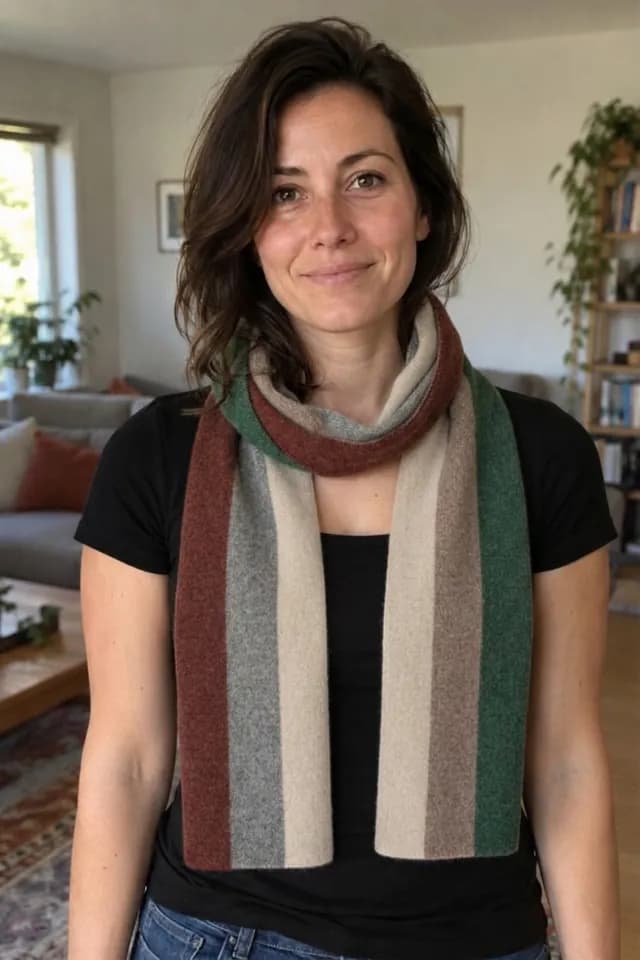
Aynada's result The Cashmere Travel Scarf on a waist-up photo of a woman at home, worn around the neck.

Shopper's photo 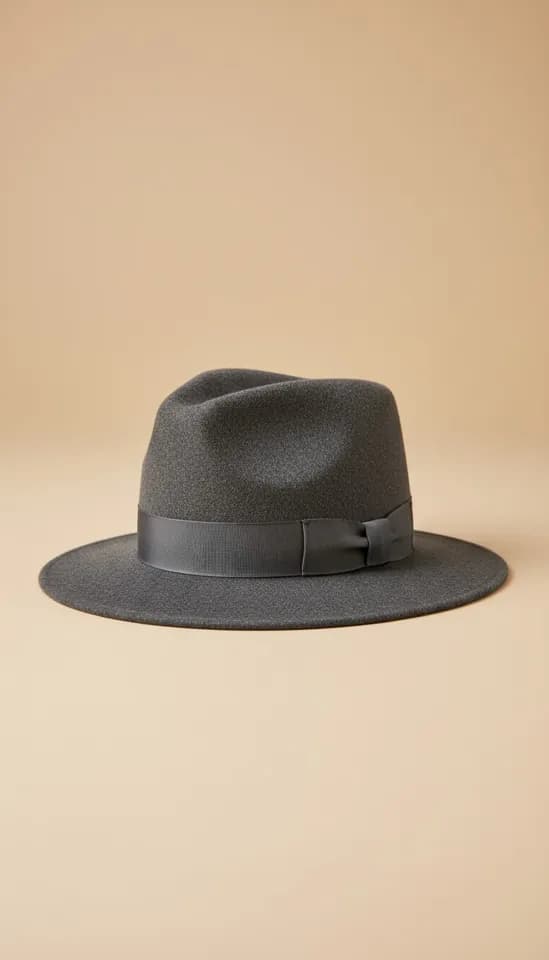
Product 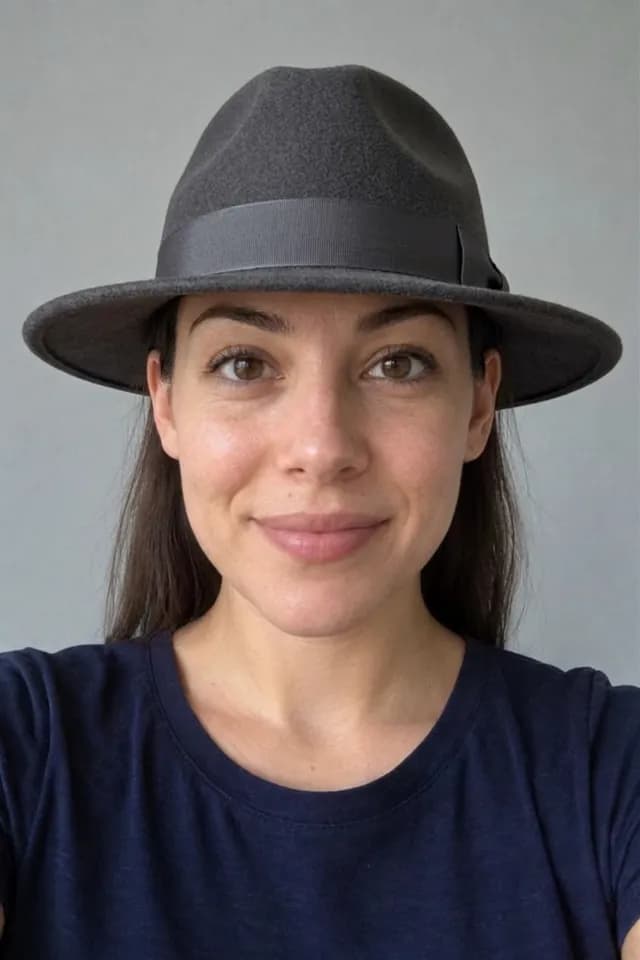
Aynada's result The same Wool Fedora Hat on a front-facing photo of a woman’s face and head.
What the shopper does
The try-on happens on your product page, with no app to download and no account. The shopper taps the try-on button, uploads a photo of themselves, usually straight from the phone, and compares the result with the original photo in a before-and-after slider. The try-on window says it usually takes 15–20 seconds.
The AI is told to place a hat on the head at a natural angle, replacing any headwear the person already wears, and to wear a scarf, shawl or tie the way that kind of item is normally worn at the neck or shoulders. The AI is told to keep the person’s face, hair, skin, body shape, pose, hands, clothing and background unchanged, to add only this one item, to preserve its colour, material, shape, details and logos, and to give it a realistic size relative to the person.
Every result tells the shopper that it is an AI preview, not a statement about fit or size.
Which photo works best for hats and scarves
The examples on this page were made with Aynada’s Shopify app on our own demo store. The people in the photos are AI-generated models, not real shoppers; the try-on results are Aynada’s real output, not retouched.
The two need different photos. For hats and caps, the ikas try-on window asks for the face and head from the front, sharp and well lit. For scarves and shawls, it asks for a full-length or waist-up photo in a mirror, in good light. The good examples above follow that: the fedora on front-facing photos of the face, the scarf on a waist-up photo. The weaker result further down used a close head-and-shoulders photo for the scarf instead.
How you switch on hat and scarf try-on
On ikas, you install Aynada from the ikas App Store. No code and no theme edits are needed: the button places itself next to “Add to cart”. You choose which products show it, by category or for single products, so you can start with your hats and scarves. A store new to Aynada on ikas starts with the button switched off on every product. Aynada for ikas has the details.
To decide what a product is, Aynada reads your category names, and the product name when the categories say nothing specific. On Shopify it reads the product type and the product name the same way. Clear category names such as “Hats”, “Caps” or “Scarves” give the AI the more specific rule. A product with no recognisable category is treated as clothing, so check a few products before you switch the button on everywhere.
Aynada for Shopify, the app the examples on this page were made with, is on its way to the Shopify App Store. There, the button is added to the product page as an app block in Shopify’s theme editor, and you choose which products show it. Details are on the Shopify page.
Where it falls short
A hat needs the head in the frame. The ikas try-on window advises against a dark photo, a face turned away, or one covered by hair or a hand; on ikas, when the browser cannot see a face, it tells the shopper before they continue.
A scarf needs room below the neck. In our test with a close head-and-shoulders photo, the AI re-framed the photo down to the waist and drew a chest and arms that were not in it, although it is told to keep the framing and not to invent parts of the body. A waist-up or full-length photo avoids that.
Ties are treated like scarves and shawls, but this page shows only a scarf, so look at a few results with your own ties first.
The result is a preview, not a measurement: it does not tell anyone whether a hat is the right size.
For every kind of product, Where virtual try-on works, and where it is weaker explains what makes results weaker and why.
Weaker results

Shopper's photo 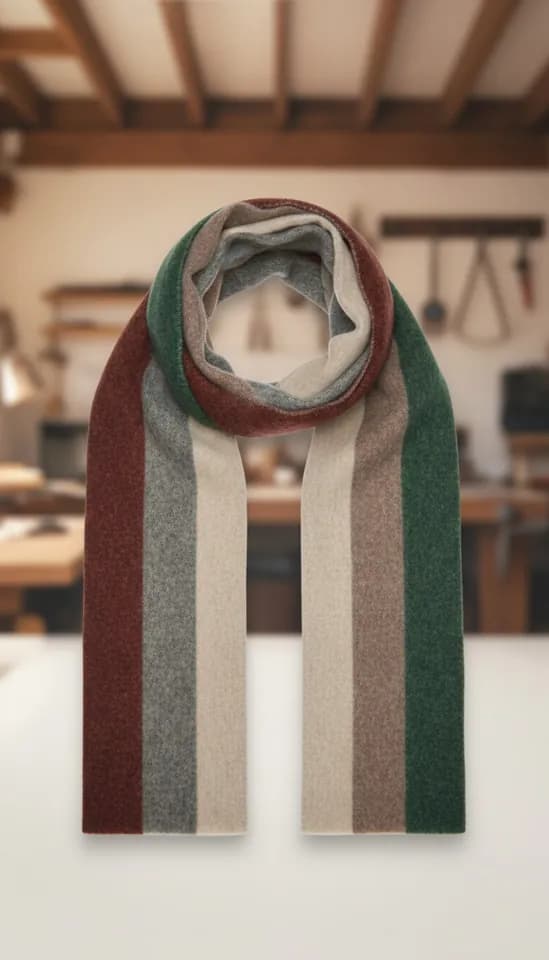
Product 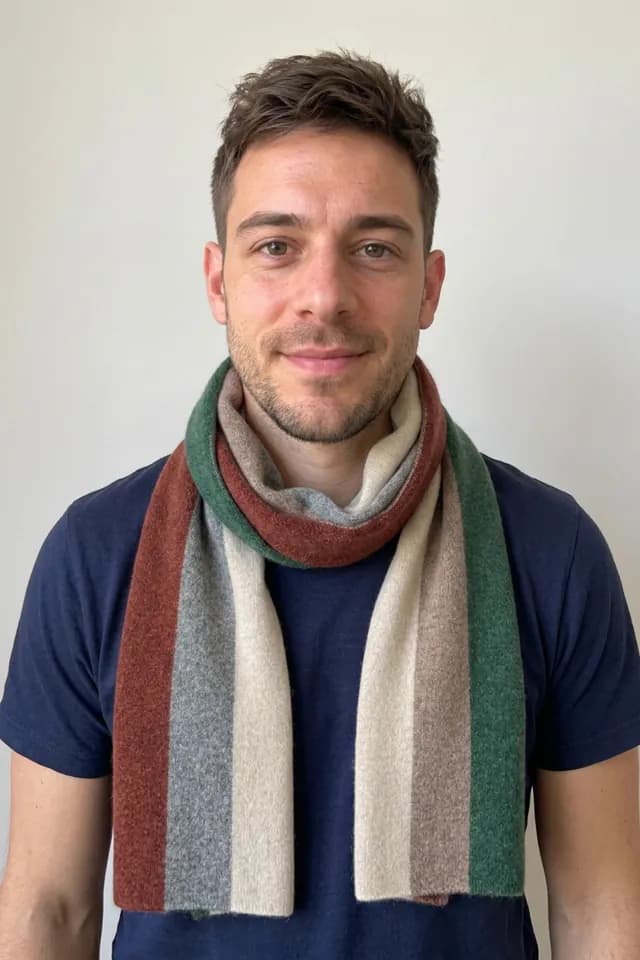
Aynada's result The same Cashmere Travel Scarf on a close head-and-shoulders photo of a man: the AI re-framed the photo down to the waist and drew a chest and arms that were not in it, although it is told to keep the framing. A scarf needs a waist-up or full-length photo.
Questions and answers
Does the shopper have to take off their own hat?
No. If the person already wears headwear, the AI is told to replace it with the one from your product page.
Which photo works best for a scarf?
A full-length or waist-up photo in a mirror, in good light. For a hat, a clear photo of the face and head from the front works best.
Does the result show whether a hat fits?
No. The result is an AI preview, not a statement about fit or size, and a note on the result tells the shopper so.
Are the people in the examples real?
No. They are AI-generated models, not real shoppers. The try-on results are Aynada’s real output, made with Aynada’s Shopify app on our own demo store and not retouched.