
Shoppers see it on themselves before they buy.
With a try-on button on your product page, visitors upload a photo of themselves and see the product on themselves in seconds. You follow every step from try-on to order in your panel.
- No code, no theme edits
- Works on mobile and desktop
- Photos are never used to train AI
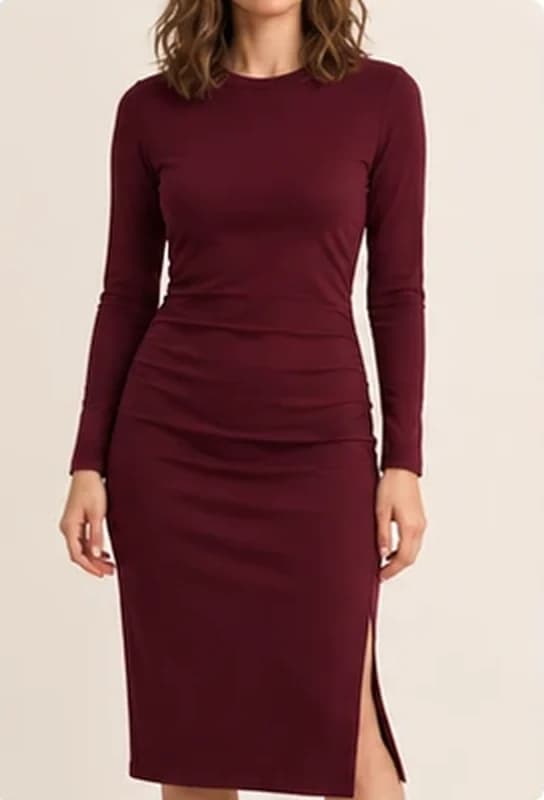
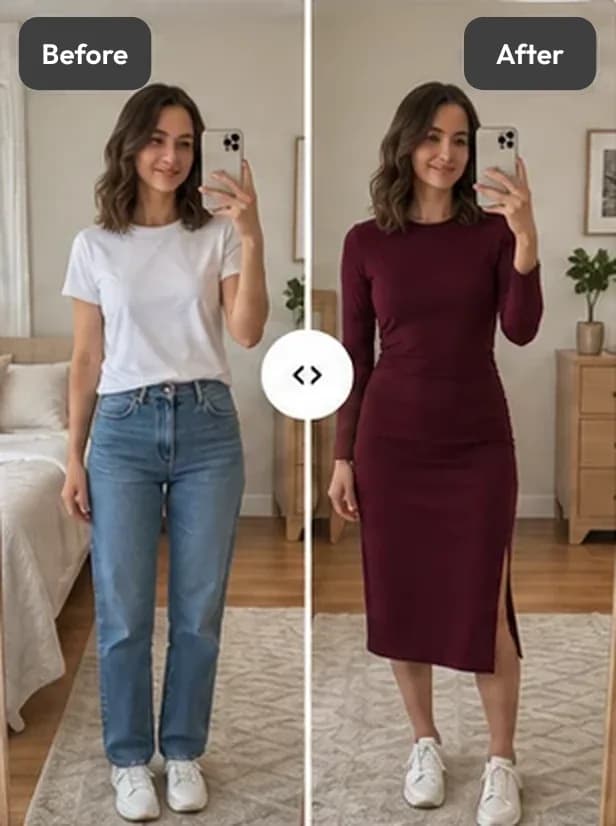
This is an AI preview. Fit and size are illustrative only.
Illustrative images · sample store
Works where you sell
More platforms coming
Where is your store?
On each platform Aynada is that platform’s own app. Pick yours; setup, pricing and privacy details are on its page.
ikas
LiveInstalled from the ikas App Store; the “Virtual Try-On” button places itself next to “Add to cart”.
- Free plan: 20 images a month
- Shopper photos are not kept
- Studio (beta): lifestyle images with models
Shopify
Coming soonInstalled from the Shopify App Store; the button is added to the product page as an app block in the theme editor.
- Inside your Shopify admin
- Billed through Shopify
- Photos deleted automatically after 30 days
What shoppers see, by product
Unretouched results from our own demo store: the product, and Aynada’s try-on on a shopper’s photo. Each page shows more examples and where it struggles.

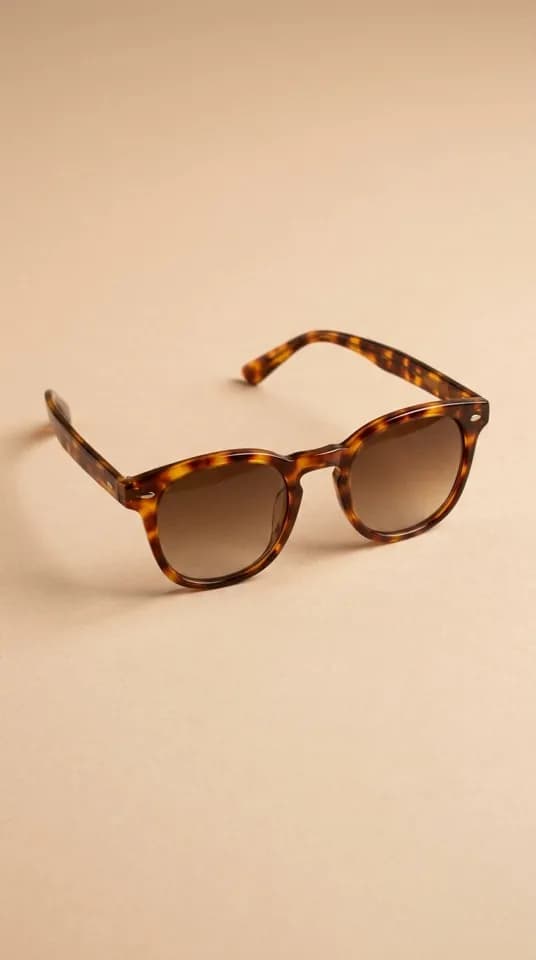
Virtual try-on for eyewear
See the examples →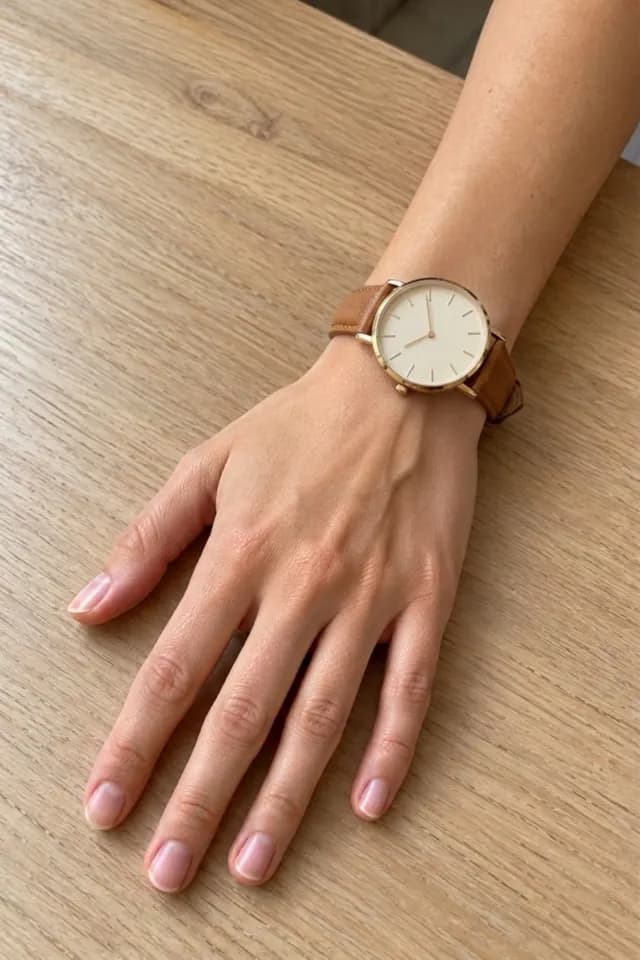
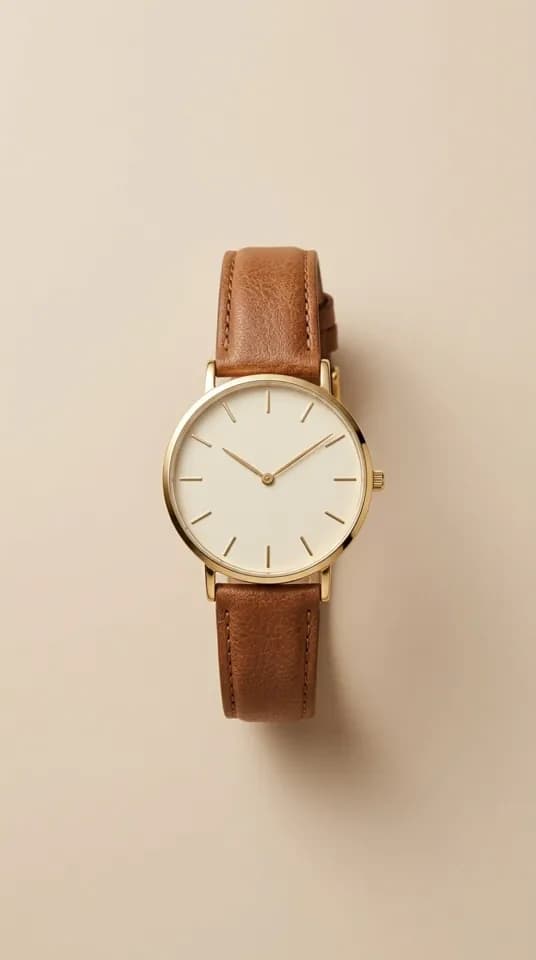
Virtual try-on for watches
See the examples →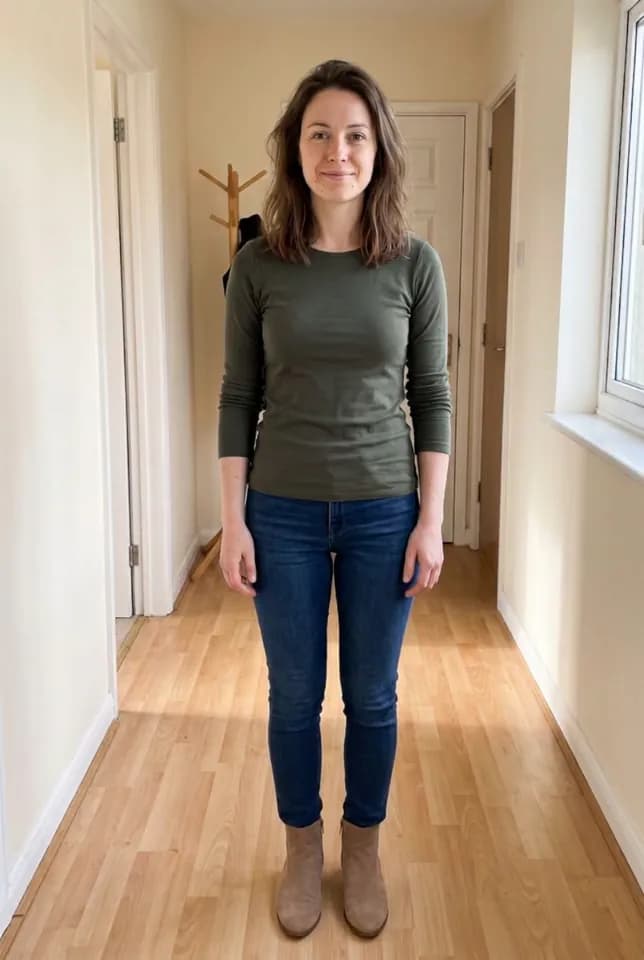
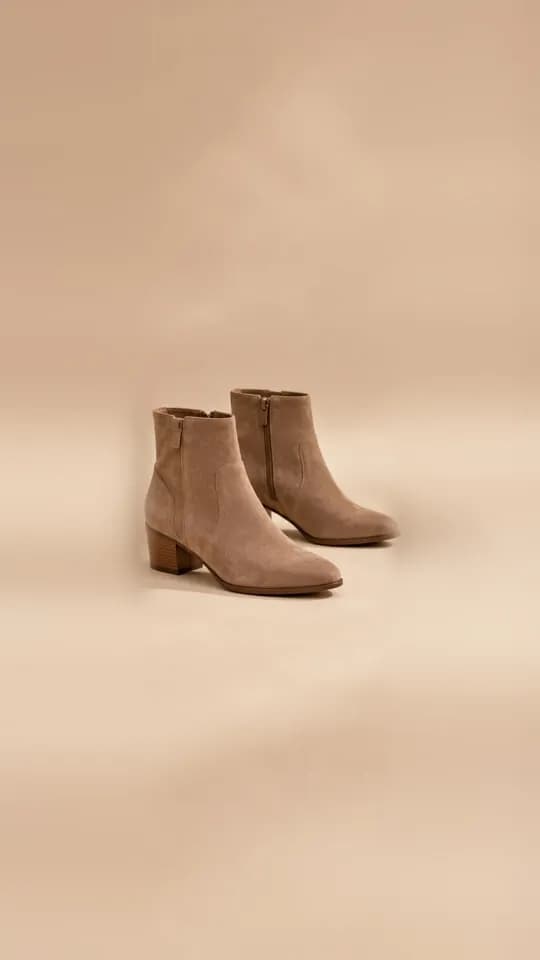
Virtual try-on for shoes
See the examples →
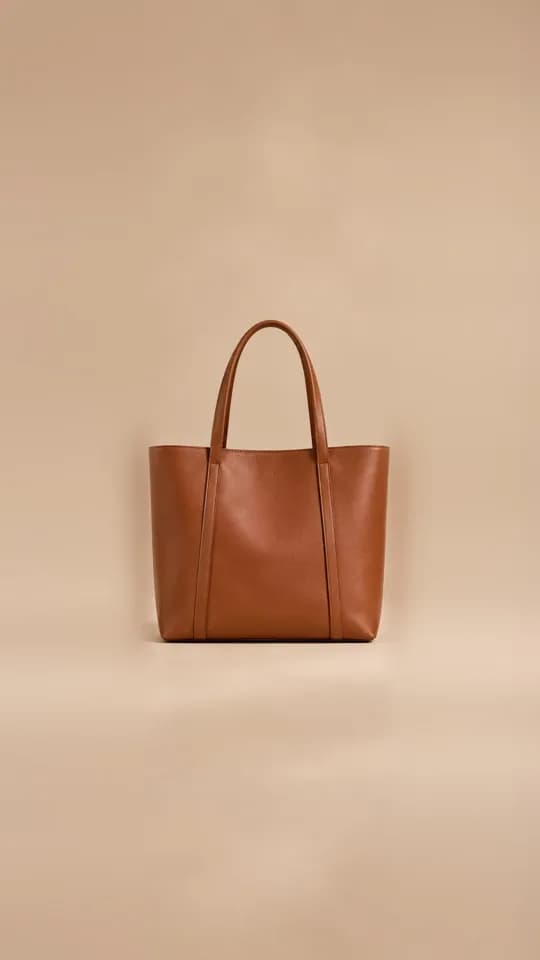
Virtual try-on for bags
See the examples →
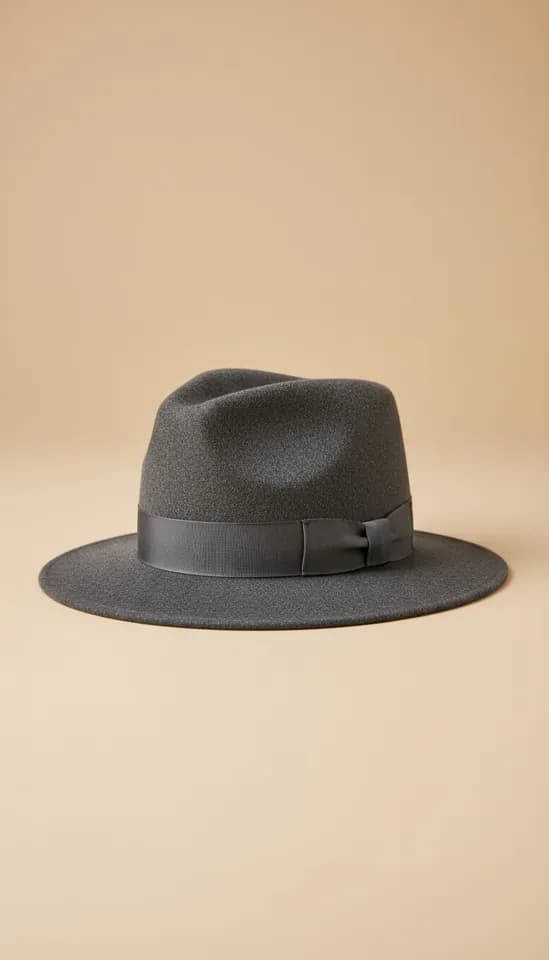
Virtual try-on for hats and scarves
See the examples →
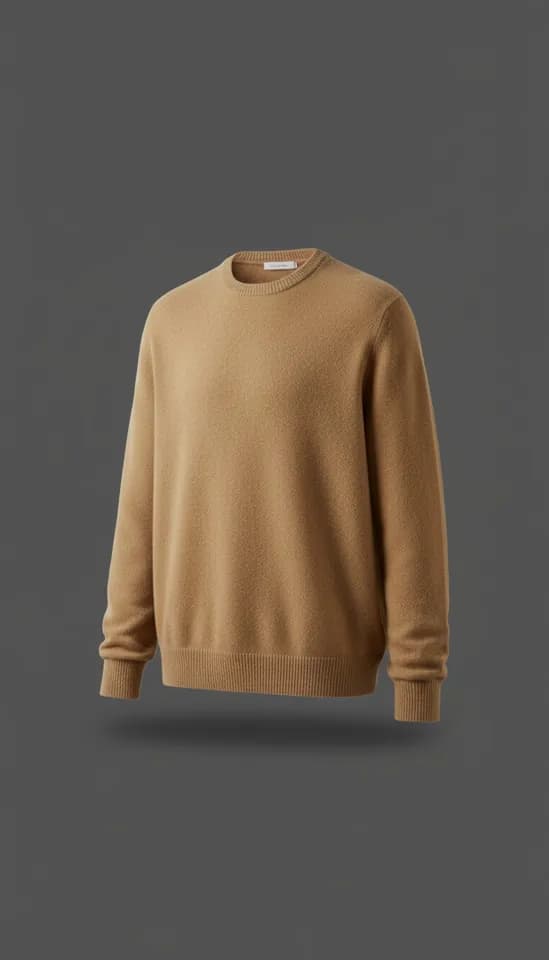
Virtual try-on for clothing
See the examples →
The people in the photos are AI-generated models, not real shoppers; the try-on results are Aynada’s real output.
From product page to mirror, in four steps.
No app to download, no account. The try-on stays on your product page.
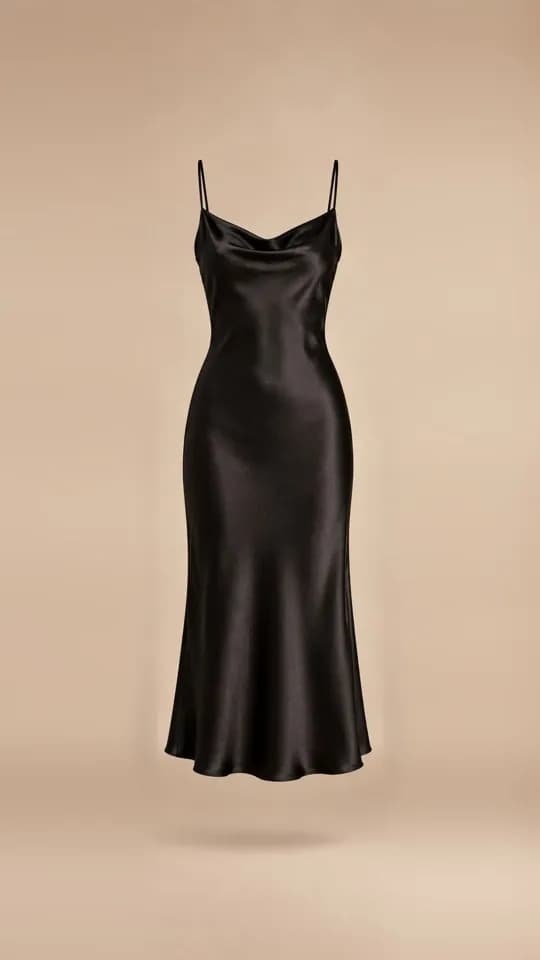
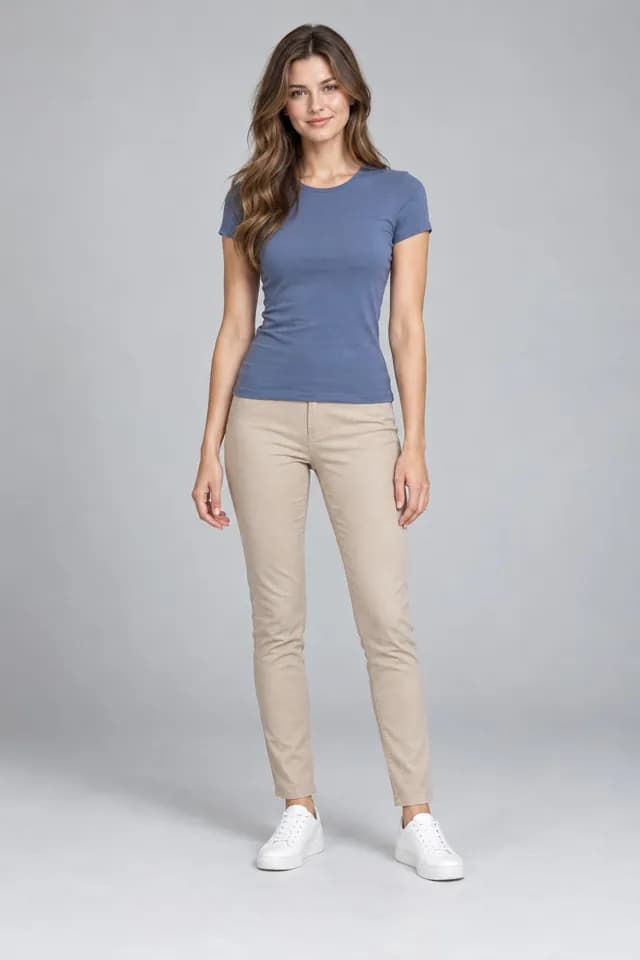
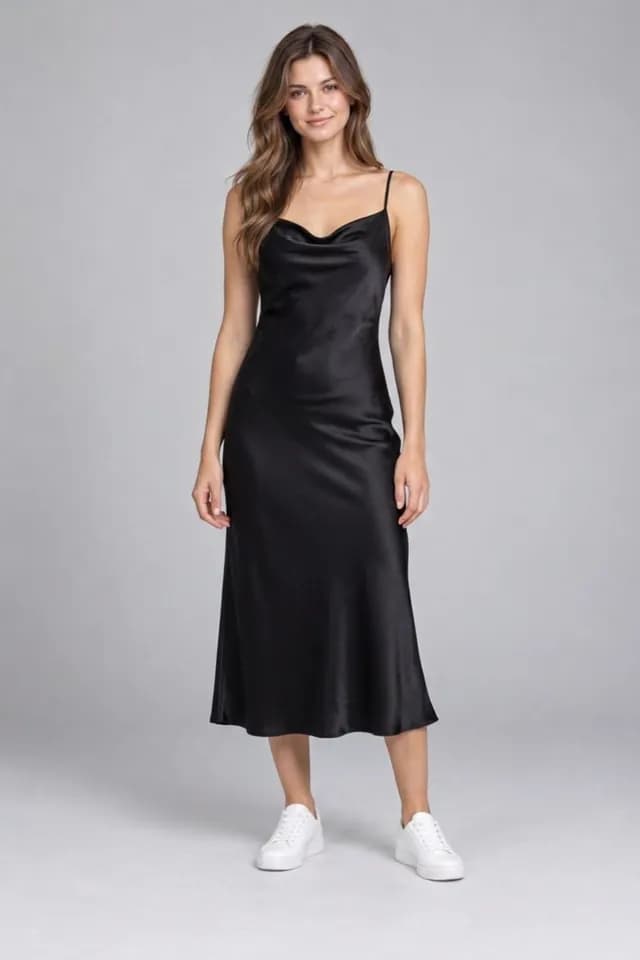
The photo and the result on the phone are a real try-on on our demo store; the person is an AI-generated model. The screens are simplified.
What virtual try-on is, step by step →From try-on to order, in one app.
The same core on every platform: try-on on the product page, results in the panel.
Try-on button on the product page
Text, style and colours to match your brand. You choose which products show it.
Analytics from try-on to order
Attributed revenue and orders with daily trends. Attribution shows that an order followed a try-on, not that the try-on alone made the sale.
Email capture with consent
After the free try-ons the shopper may be asked for an email; marketing consent is asked separately. Download the records as CSV.
Product insights
Which product draws interest and which one sells: try-on ranking by product.
Studio (beta)
ikas only for nowWithout a shoot, show your product on ready-made models in different poses and scenes.
No-code setup
On ikas the button places itself; on Shopify it is added as an app block in the theme editor.
Every try-on, through to the order.
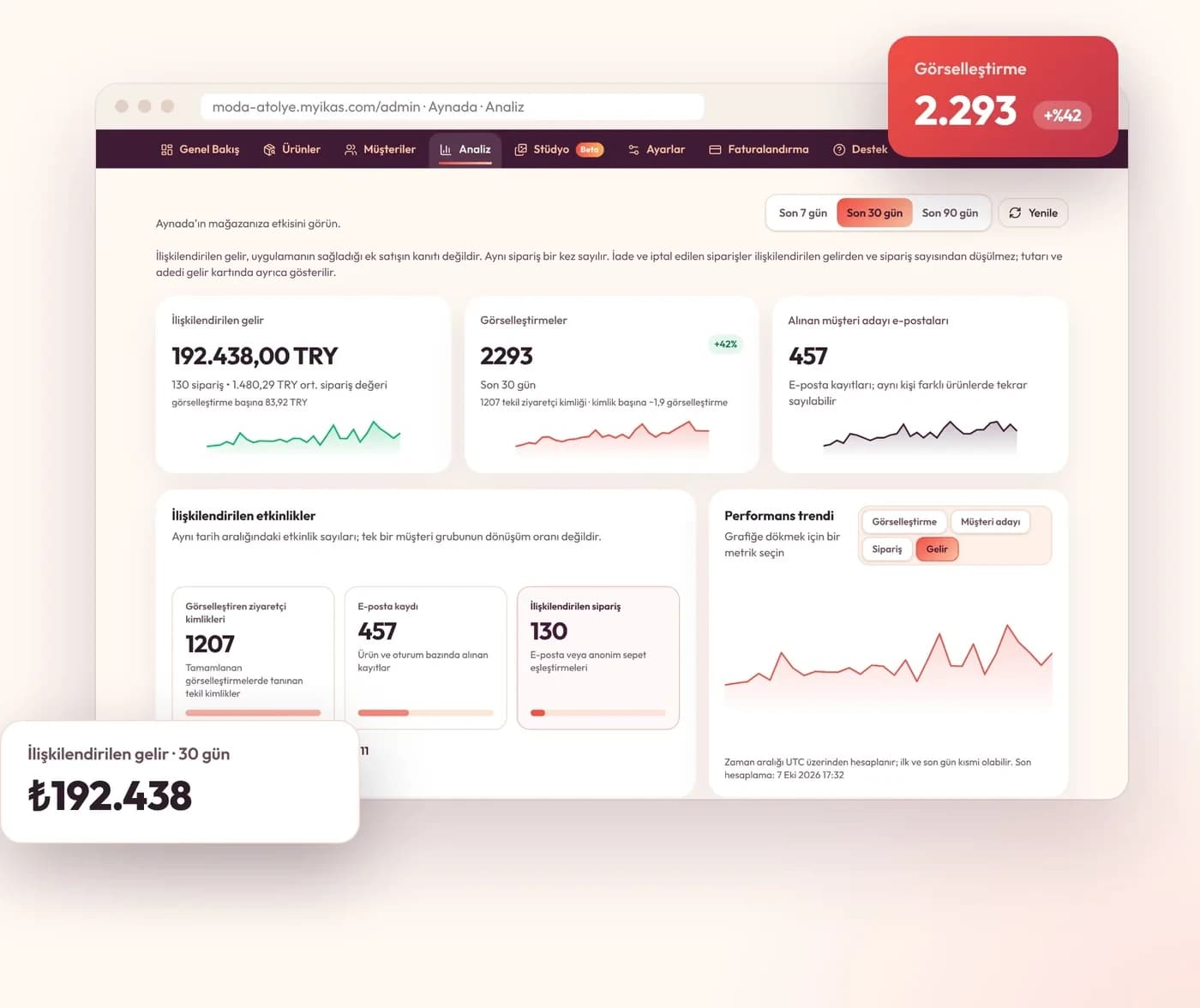
The panel shows how many shoppers tried products on, which ones, and the orders that followed.
What every try-on does for sales, in numbers.
Revenue, orders and email sign-ups attributed to Aynada on one screen, with daily trends. Attribution shows that an order followed a try-on, not that the try-on alone made the sale.
- Attributed revenue and orders
- Performance trend compared with the previous period
- Returns and cancellations are not deducted from revenue but shown separately
How the platforms differ
| Feature | ikas | Shopify |
|---|---|---|
| Status | Live | Coming soon |
| Try-on button on the product page | ✓ | ✓ |
| Analytics from try-on to order | ✓ | ✓ |
| Email capture with consent, CSV | ✓ | ✓ |
| Studio (images with models) | Beta | Not yet |
| Shopper photo | Deleted once the image exists | Deleted after 30 days |
| Payment | In the panel, via Stripe | On your Shopify bill |
Your shopper’s photo, only for the try-on.
How long the photo is kept depends on the platform; both are stated plainly below.
No AI training
Photos and results are never used to train any AI model.
On ikas: not kept
The photo is deleted as soon as the image is generated, and the result once it reaches the shopper’s browser.
On Shopify: 30 days
The photo and the result are stored privately and deleted automatically 30 days after the try-on.
Email only with consent
Shoppers give their email themselves; marketing consent is asked separately.
Privacy policy of the ikas appPrivacy policy of the Shopify app
Honest answers before you install
How it works, how to set it up, what happens to shoppers’ photos and where it falls short.
How to add virtual try-on to your ikas store, step by step
Install Aynada from the ikas App Store, choose a plan, switch the try-on button on for your products, style and place it. Step by step, no code.
Read →What happens to the shopper’s photo in a virtual try-on?
What happens to a shopper’s photo in Aynada’s virtual try-on: the check on the device, the AI step, and how long the ikas and Shopify apps keep images.
Read →Virtual try-on apps for Shopify: an honest comparison
Eight AI virtual try-on apps for clothing on the Shopify App Store, compared from their own listings: free plans, prices, trials and what each does well.
Read →
Frequently asked questions
Which platforms does Aynada work on?
It is live on ikas today. The Shopify app is coming to the Shopify App Store soon; write to us if you’d like to hear when.
Which products does it work with?
Aynada is designed for clothing. You choose in the panel which products show the button.
What happens to the shopper’s photo?
The photo is processed only to create the requested try-on image and is never used to train AI models. On ikas it is not kept: it is deleted once the image exists. On Shopify it is stored privately and deleted automatically 30 days after the try-on.
Does the result guarantee size or fit?
No. The result is an AI preview: it gives an idea of how the product looks on the shopper, but fit and size are illustrative only.
Does setup need code?
No. On ikas the button places itself next to “Add to cart”. On Shopify it is added to the product page as an app block in the theme editor.
What does “attributed order” mean?
Orders that followed a try-on and are linked to it by email or a cart match. They are not proof of extra sales the app brought.
Who makes Aynada?
HomeVisioner. The same team makes the room visualizer for furniture and home stores.
Make your catalog try-on ready today.
Start on the free plan on ikas: 20 images a month, no card needed.